One store or a separate B2B store
Applies toShopify
How it works
When you set up B2B on Shopify, you have 2 options:
- Hybrid store: turn on B2B in your existing Shopify store, so retail and B2B customers use the same store.
- Standalone store: set up a new Shopify store just for B2B.
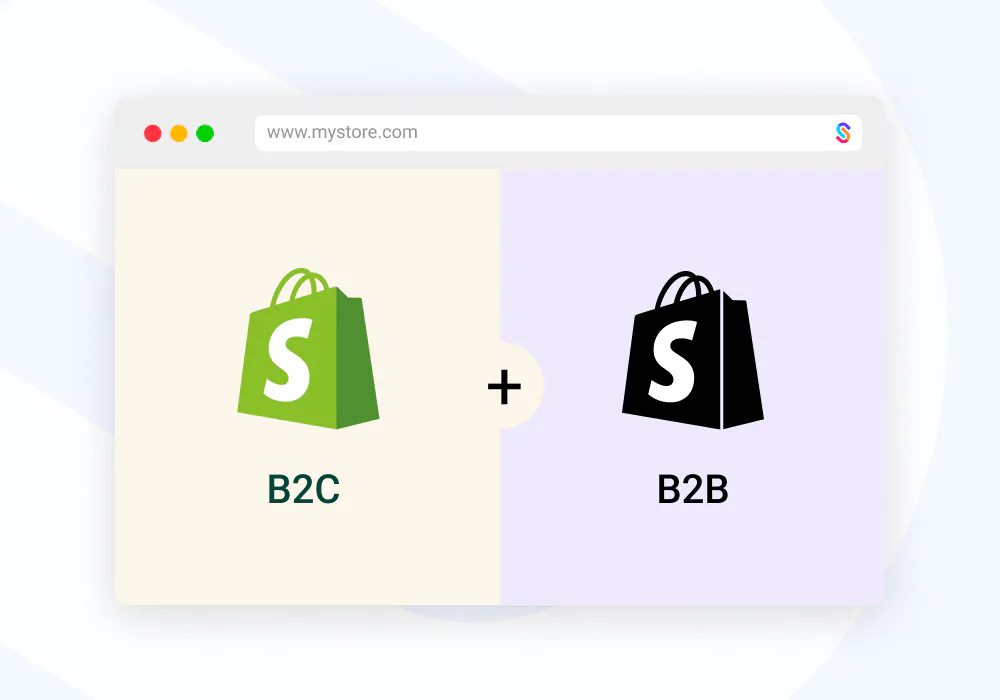
Both have advantages and drawbacks, and which suits you is a business decision. With SparkLayer you don't need to duplicate your store, but check the points below first.
Check before you go hybrid
Before you add B2B to your retail store, check how it affects these areas:
- Stock and warehouses. You can't send B2B orders from specific stock locations when they go through the Shopify checkout. In a hybrid store, B2B orders share the same stock pool as retail, which can affect stock allocation. Think through the impact carefully.
- Your apps. Check whether any installed apps could interfere with B2B, such as apps that send "leave a review" emails or other post-purchase follow-ups. Many let you exclude customers by tag, and every SparkLayer customer has the
b2btag. - Analytics and reporting. SparkLayer appears in Shopify as a sales channel called SparkLayer Wholesale, so you can segment reports and orders by that channel. See Shopify reporting and filtering.
- Affiliate and tracking pixels. Your store and checkout may have tracking code that records sales. Exclude B2B customers from it, for example by filtering out customers tagged
b2b. This usually needs a Shopify developer. See Shopify's guide to adding additional scripts to the order status page (opens in a new tab).
Set up a separate B2B store
If a hybrid store doesn't suit you, set up a separate Shopify store for B2B. You can automate much of the setup. The most common reasons to create one are:
- Stock: you need to keep B2B stock separate from retail.
- Products: you want a completely different product catalogue for B2B customers.
- Integrations: you need to connect your B2B channel to a different system from your retail channel.
- Web address: you need a separate address for B2B, such as
b2b.yourstore.com.
We recommend this approach:
- Set up your main B2B store. Install SparkLayer, then configure and customise the store as you need, for example its theme, homepage and product pages.
- Copy your theme. You'll probably want your stores to look the same, so export the theme from your main B2B store and import it into each additional store. Shopify's guide to downloading themes (opens in a new tab) explains how.
- Install SparkLayer on each additional store, as you did on your main store. We're happy to help, and to discuss a combined pricing rate.
- Sync your data. Set up a way to keep data in step between your stores, such as products, content and even orders. We recommend two Shopify apps: Matrixify (opens in a new tab) and Syncio (opens in a new tab).
You'll probably need someone with Shopify expertise to help, and we're happy to advise where we can. If you've already installed SparkLayer on one store and want to move it, see Transfer SparkLayer to another Shopify store.
Was this page helpful?
Last updated