Troubleshooting
Introduction
When you're setting up SparkLayer, our team is on-hand to give you the support you need and you can contact us at any time. We've also detailed a number of common issues that are a useful starting point if you're looking to troubleshoot yourself.
Pricing
See all our pricing FAQs For further troubleshooting for pricing, please refer to Pricing FAQs
⚠️ Prices aren't showing on the product pages or saying "Unavailable"
You've logged in as a B2B customer but prices aren't showing on your product pages or the product shows as 'Unavailable'.
⚠️ Price are showing different to what I am expecting
When logged in as a B2B customer you are not seeing the correct pricing that you've set up within the SparkLayer Dashboard.


⚠️ I'm getting errors in the Price List import You've imported a CSV file but it's showing errors once you've uploaded it.
⚠️ Tiered pricing isn't showing when I upload a price list
You've logged in as a B2B customer and when you go to a product page, you can't see the tiered pricing you've uploaded.
⚠️ I'm using an Automatic price list but cannot select a "Source"
You've created a new price list and you've selected "Enable automatic pricing" but you cannot select a price list from the list of "Sources".
Data Sync
⚠️ I'm getting errors in the Product Data Sync

If you're viewing the product data sync and you see a warning sign, there could be a number of reasons for this.
⚠️ The Product Data Sync says "This product cannot be found"

If you're searching for a product in the Product Data sync and it doesn't return any results, this could be due to a number of reasons.
⚠️ I'm getting errors in the Customer Data Sync

If you're viewing the customer data sync and you see a warning sign, there could be a number of reasons for this.
⚠️ The Customer Data Sync says "This Customer ID cannot be found"

If you're searching for a customer in the Customer Data sync and it doesn't return any results, this could be due to a number of reasons.
Website
⚠️ A message saying 'An unknown error occurred' shows
You've logged in as a B2B customer and when you go through the checkout, you see an error message showing on the top right of your browser.
⚠️ Nothing happens when I log in as a B2B customer on my store
You've logged into your Shopify store with a customer account but nothing happens and you don't see the SparkLayer Frontend widgets load
⚠️ The SparkLayer frontend widgets aren't loading on my product pages
You've logged in as a B2B customer and the SparkLayer My Account shows but no B2B prices show on product pages
Tax
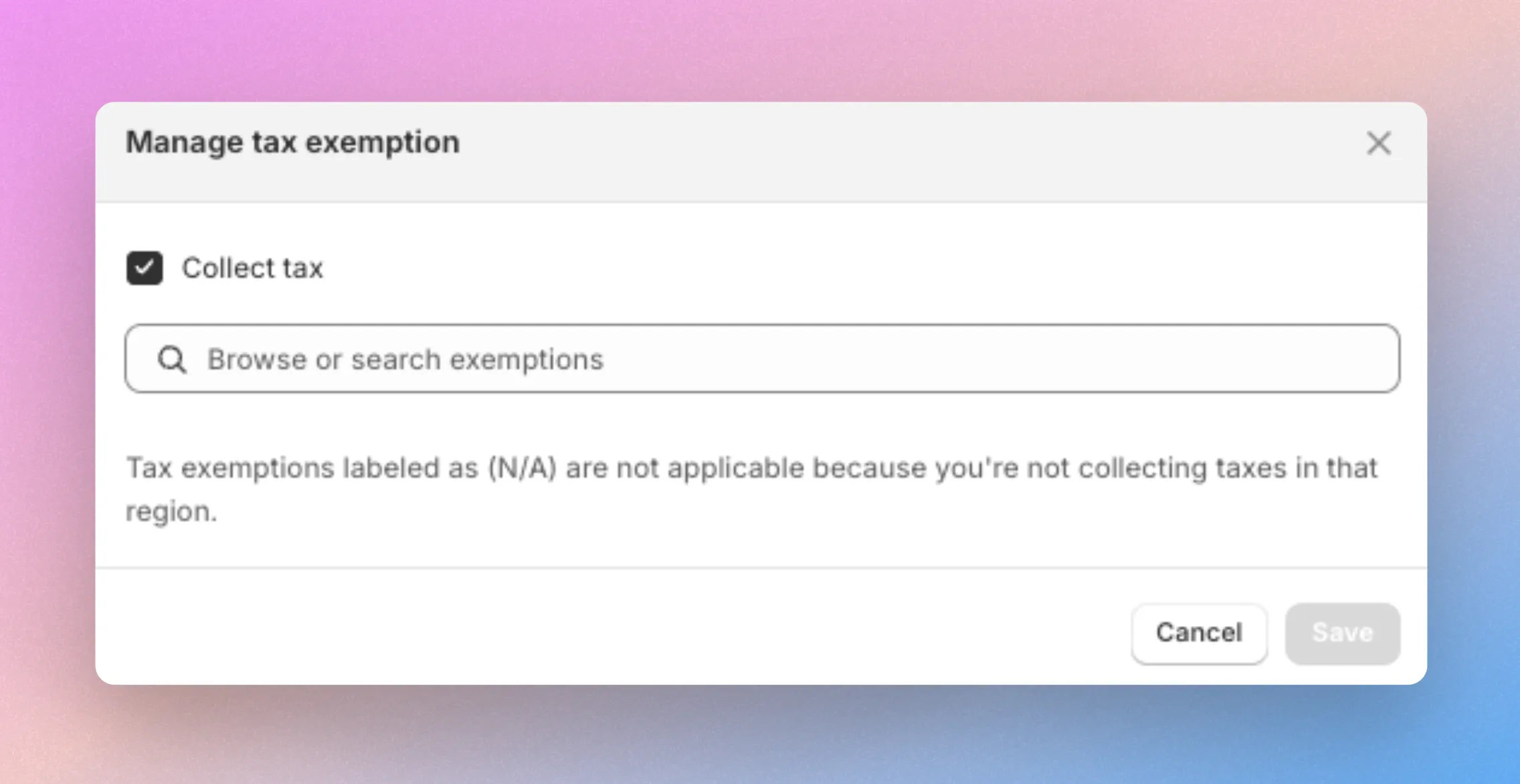
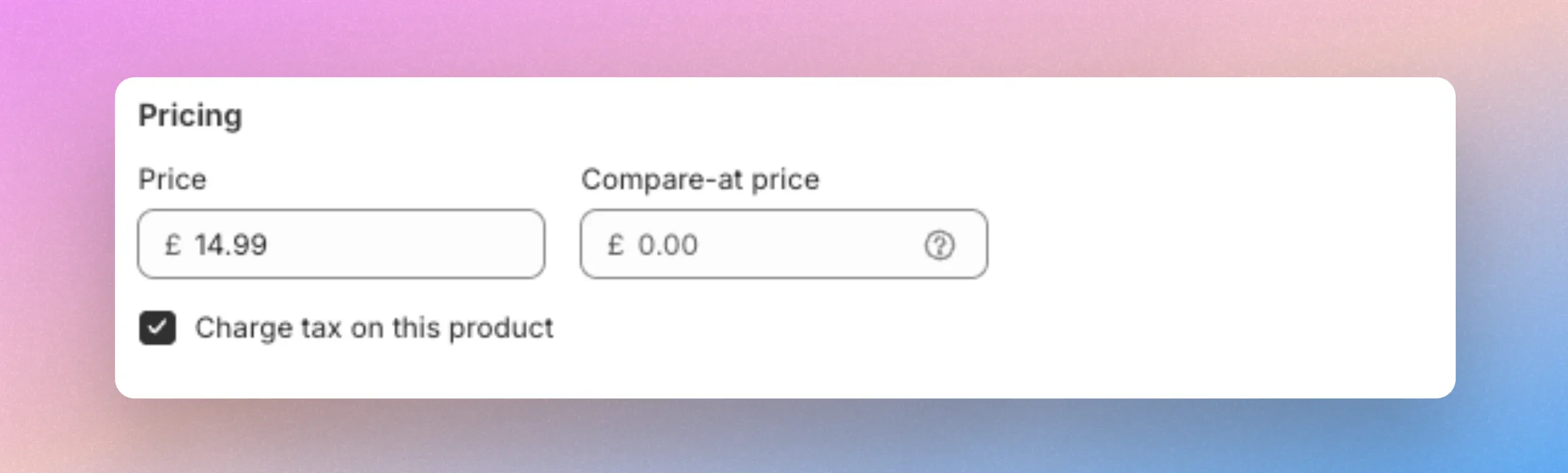
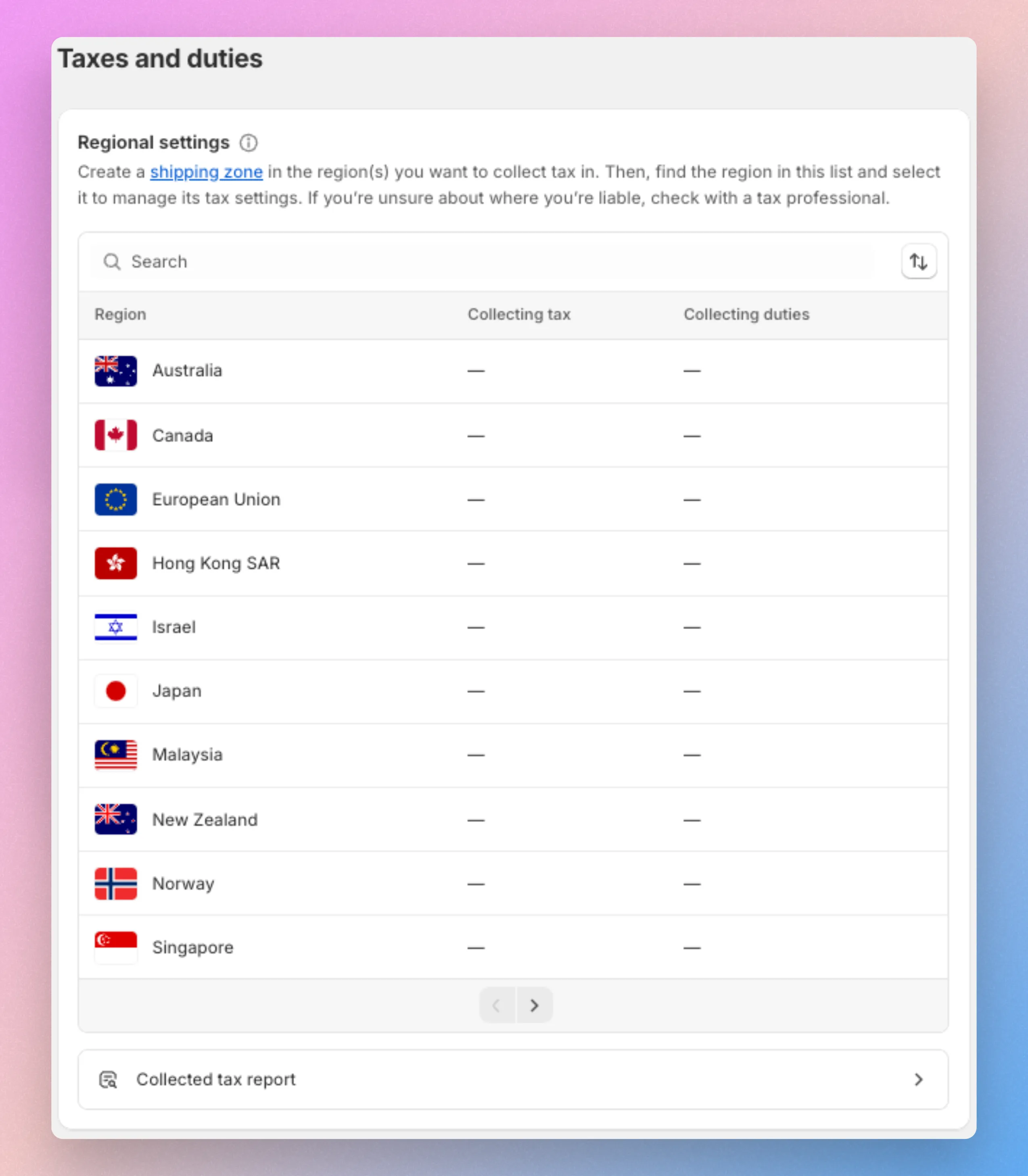
⚠️Tax shows as zero (e.g. $0.00)
When placing an order through SparkLayer, the tax is showing as zero (e.g. $0.00) in the SparkLayer checkout or when the order has come through into your website admin.
⚠️ Tax is being charged when it shouldn't be
When going through the SparkLayer checkout, the customer is being charged tax when they shouldn't be.
⚠️ Tax is not being charged in the checkout when it should be
When going through the SparkLayer checkout, the customer is not being charged tax when they shouldn't be.
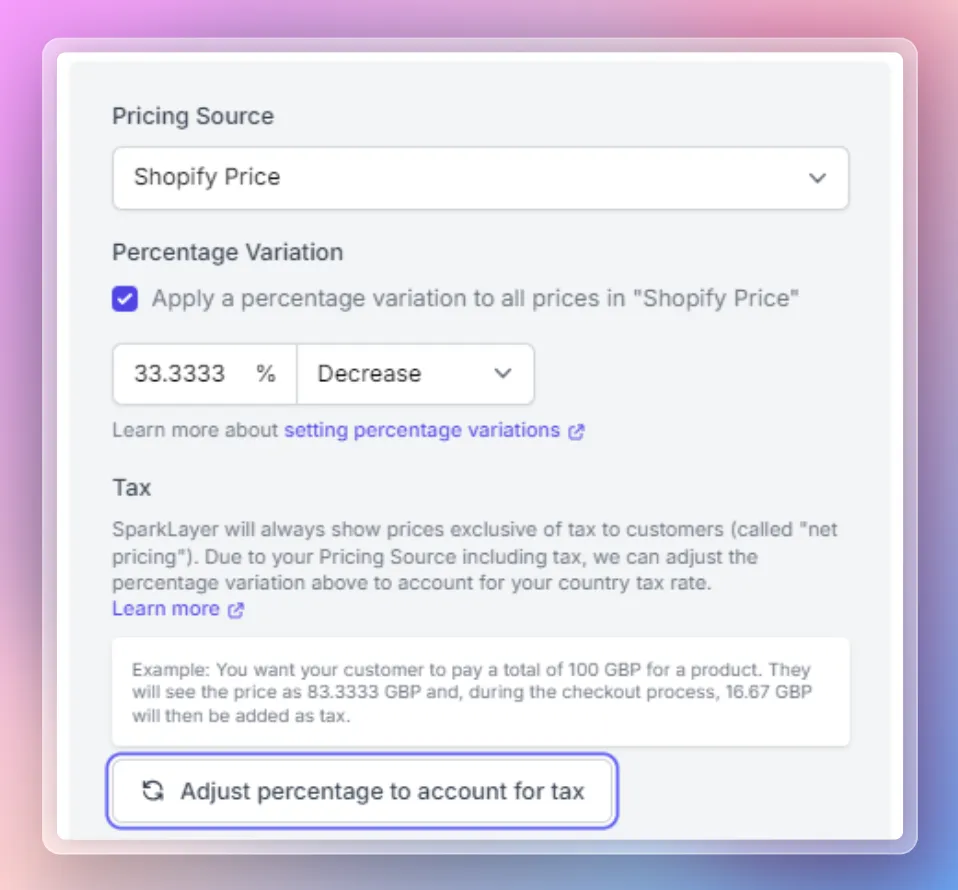
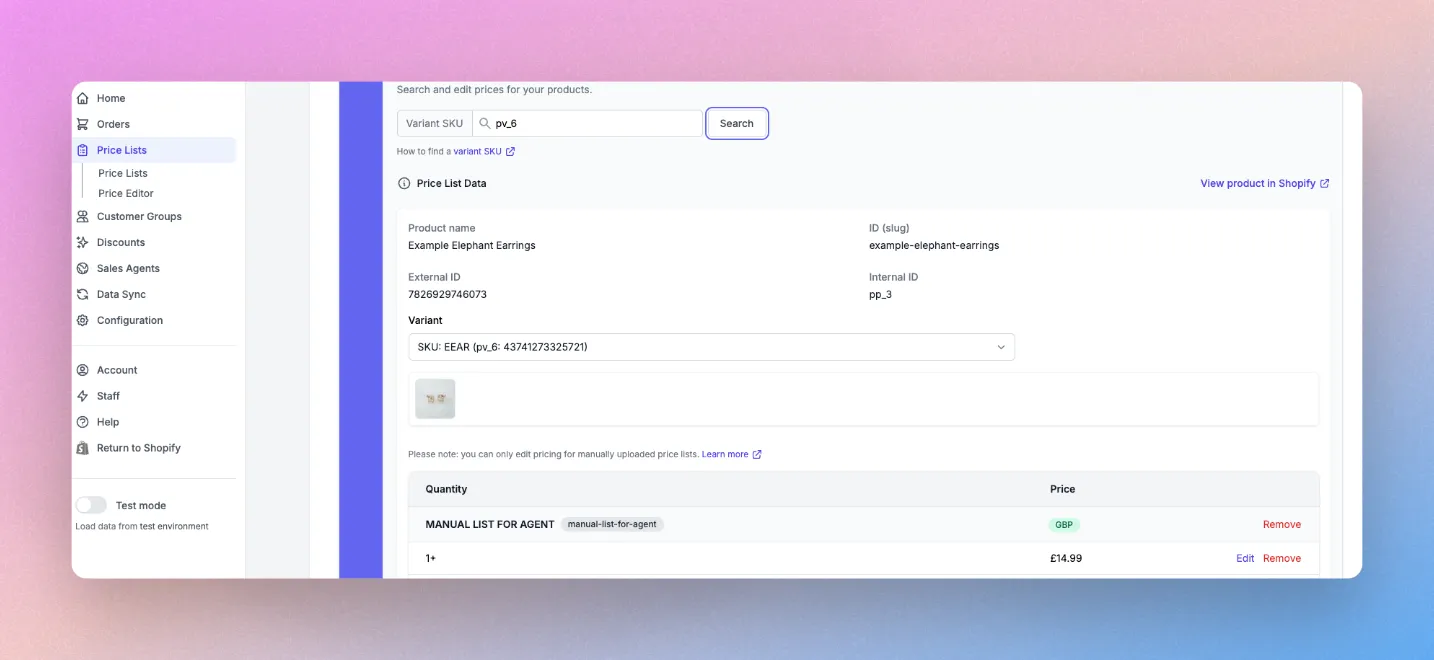
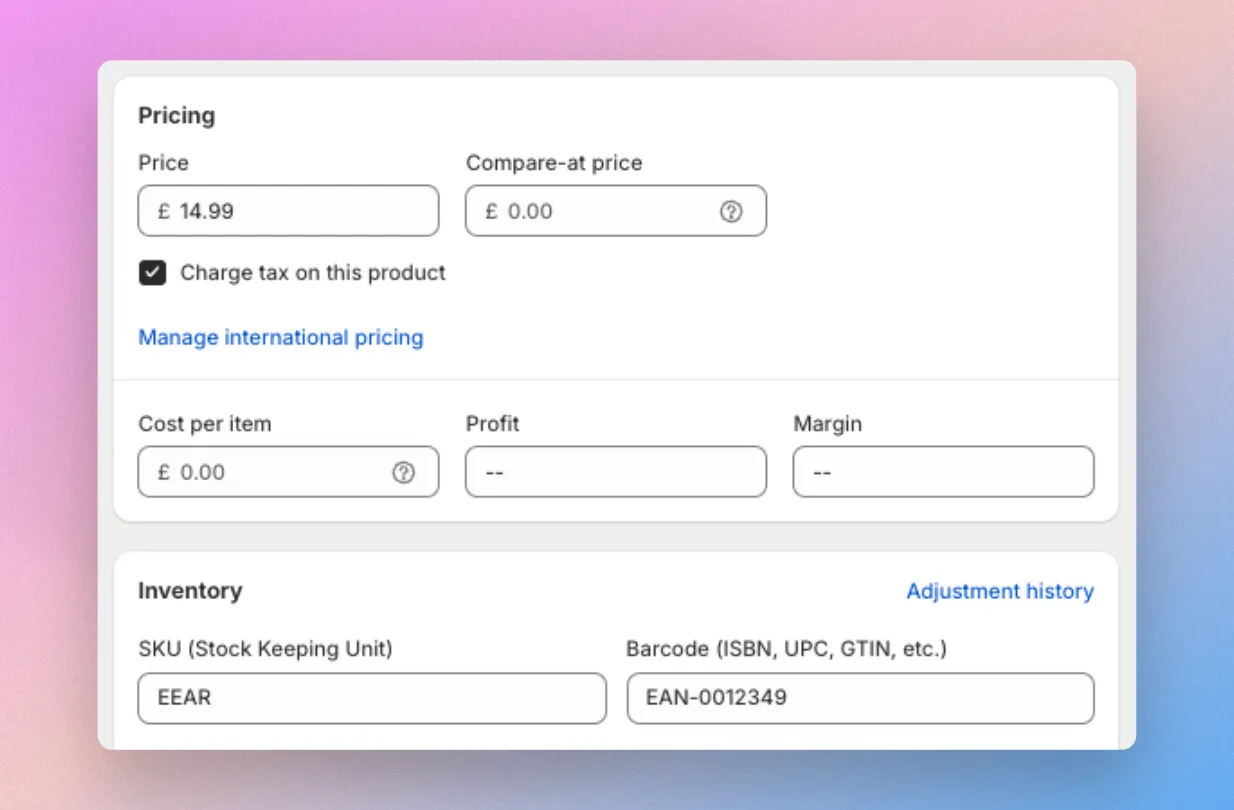
⚠️ Prices are wrong when I check an order
When placing and order through SparkLayer, the pricing in the SparkLayer checkout is different to the pricing being displayed in the Shopify order.
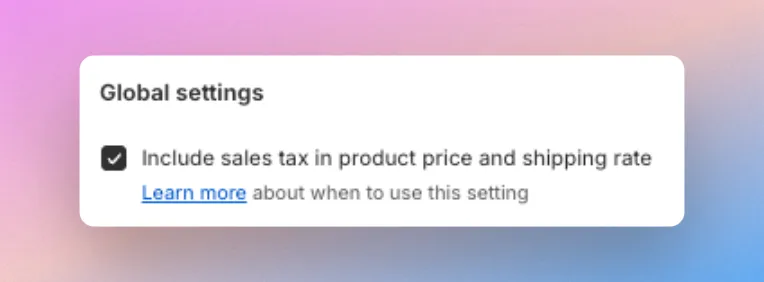
⚠️ Shipping to a different country shows the wrong tax amount
When a customer is placing an order to a different country from your "default" country in Shopify, the tax is not being calculated correctly.
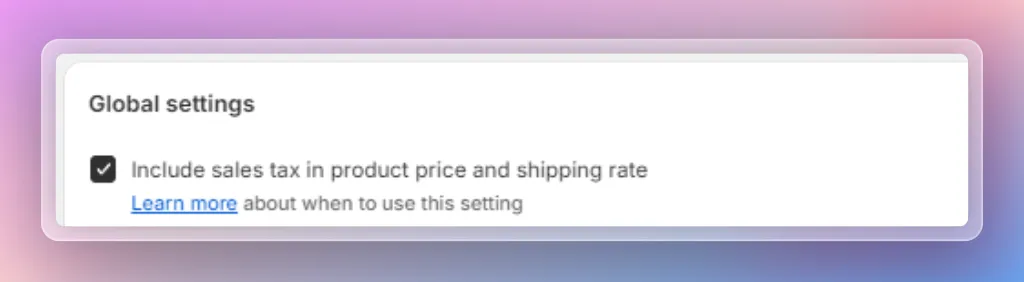
⚠️ Tax is being charged twice in the checkout
When a customer is placing an order, they are being charged tax "twice" on their order.
⚠️ I need to charge tax for some products and not others
I sell products that have different tax rates but the calculations are wrong when the customer checks out.
⚠️ Shipping costs are not showing the correct amounts
When a customer is checking out, they are not seeing the correct shipping costs as set up in the SparkLayer shipping system.
⚠️ Tax is being charged but I use a third-party tax app (e.g. Avalara, TaxJar)
When placing an order through SparkLayer, tax is still being charged even though the customer is set to "Don't Collect Tax" in Shopify.
Orders
⚠️ Orders aren't showing in the Orders admin
You've placed an order via the SparkLayer Quick Order cart but it's not showing up in your Shopify admin
⚠️ Orders show as "Awaiting Merchant"
As a customer, you've placed an order via the SparkLayer Quick Order cart and it shows an order status of "Awaiting Merchant" when you review your orders.
Checkout
⚠️ Customers can't place orders because of incomplete addresses
A signed in B2B customer is trying to complete their order but it says their addresses are incomplete
⚠️ Shipping methods aren't showing for customers

You've logged in as a B2B customer and when you get to the Shipping Method, you can't see a shipping method to select