Shopify B2B-only Content
Important to note If you are looking to customise the behaviour of your Shopify store, we strongly recommend engaging a Shopify expert to assist. Whilst we can provide an overview of how to approach making customisations, our team cannot assist in applying any code changes.
B2B-only products (hiding products)
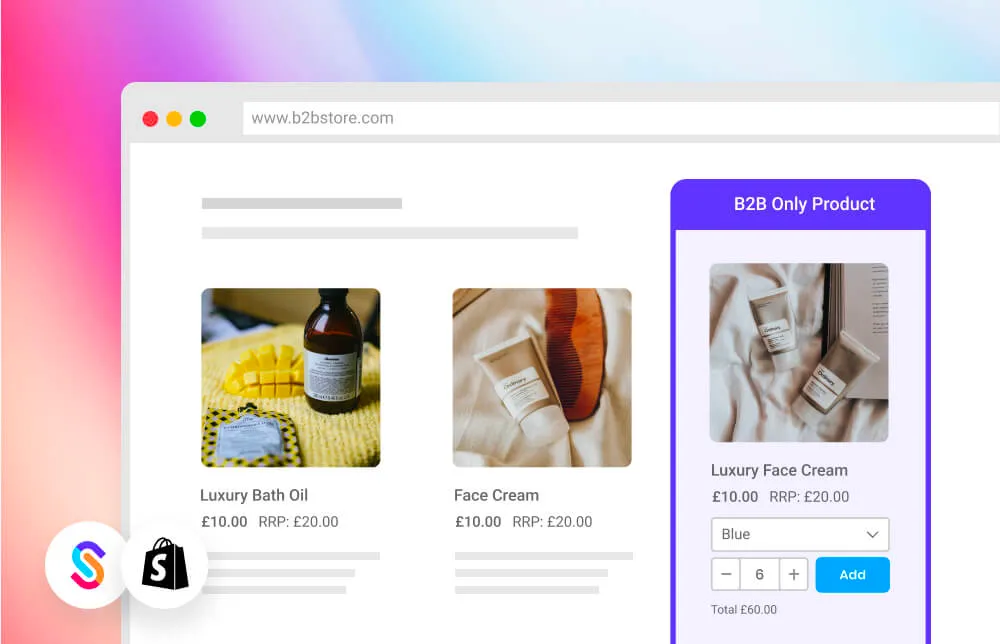
If you're running both B2B and DTC within the same Shopify store, there may be a range of products that you want to only show and be purchasable to logged in B2B customers. Perhaps they can only be purchased in high-volumes or they are exclusive to your B2B customers.
B2B Catalogs is a free SparkLayer app that lets you control which products are visible to different types of customers on your Shopify store. Hide products from B2C customers, restrict items to B2B-only, or show different product ranges to different customer groups - all using simple tags, no code required.
Install B2B Catalogs from the Shopify App Store, then head to our B2B Catalogs documentation for the full setup guide.
Hiding variants Looking to hide variants for specific B2B customer groups? Read our guide
Hiding prices
If you have a dedicated B2B Shopify store and want to fully hide prices from your logged out customers, you can do this by adding special code to your storefront theme. Typically you could apply this to:
- The product cards that show on your collection pages (e.g. on /collections/all). The code for product cards is typically found in the /snippets/ directory, e.g. /snippets/card-product.liquid
- The product details page. This is typically found in the /sections/ directory, e.g. /sections/main-product.liquid
To get started, you can adapt our example code below. This code simply shows some HTML code if the customer browsing the site is not a logged in B2B customer.
{%- if customer.metafields.sparklayer.authentication -%}

<!-- B2B content here -->
<spark-product-card parent-id="{{ product.id }}"></spark-product-card>

{%- else -%}

  <div style="font-size: 14px; position: relative; z-index: 10">
    Please
    <a href="/account/login?return_url={{ request.path }}" style="color: #000; text-decoration: underline">sign in</a> to see pricing
      to see  pricing
  </div>
  <style>
    [data-spark="b2c-only"] { display:none !important; }
  </style>

{%- endif -%}
B2B-only content
Within Shopify, you can very easily adapt your Shopify code to show (or hide) content based on who the customer is. This means, for B2B customers, you could show additional links in the navigation, content on the homepage or product pages, or even hide content from showing.
The code to do this is very simple and we've included a sample below.
{% if customer.tags contains 'b2b' %}

    Show this content to logged-in B2B customers

{% else %}

    Show this content to logged-out customers

{% endif %}
B2B-only metafields
Shopify also has a powerful feature called metafields that allows you to extend product data to include additional content specific to a product SKU. In the context of wholesale (B2B) ordering, it can be a great way to enrich your product pages with additional wholesale-specific information such as bar codes, marketing content, and anything else. You can learn more about metafields in our guide here.
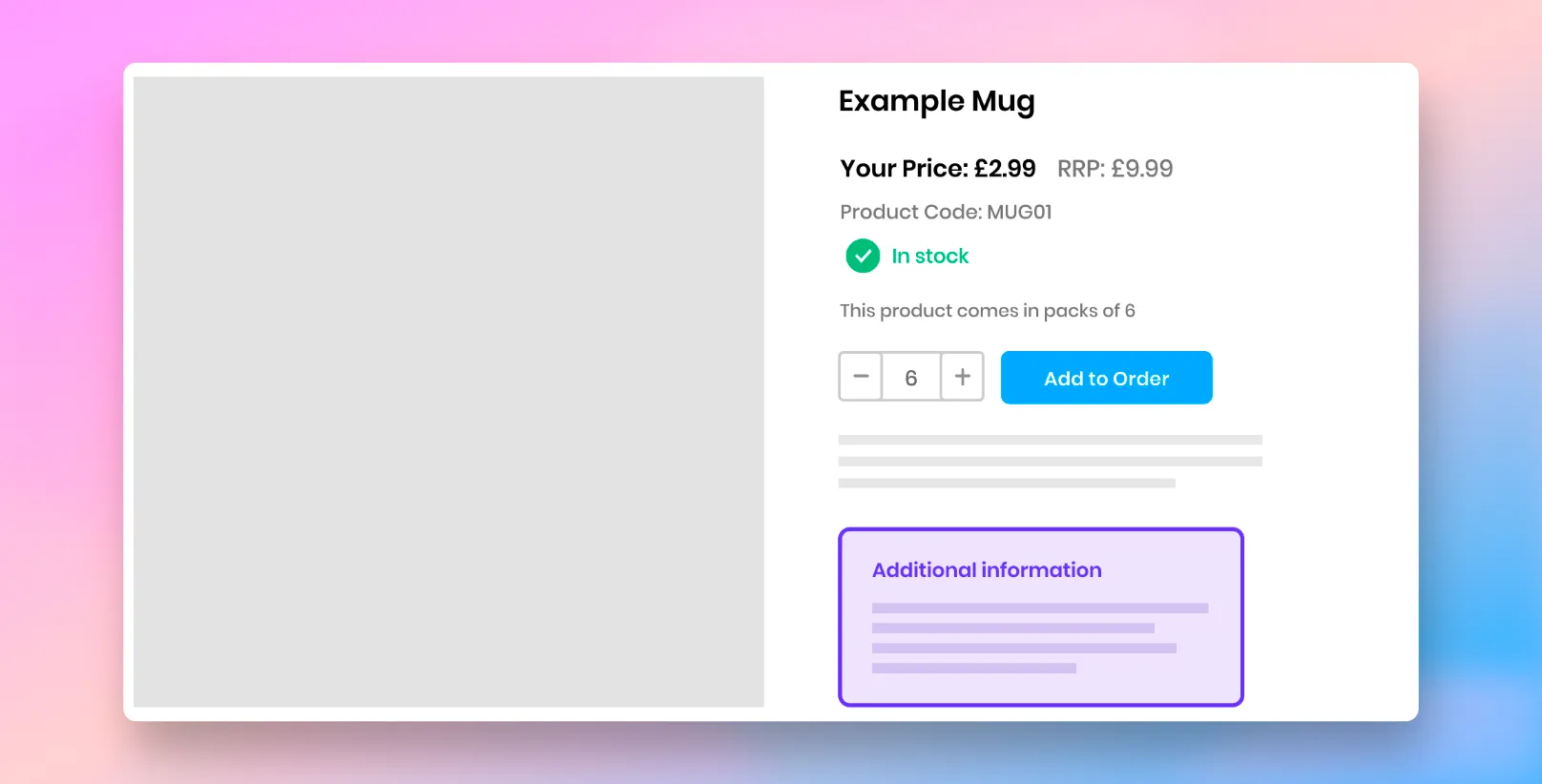
Setting up metafields on Shopify To learn more about how to configure metafields on Shopify for SparkLayer, please refer to our guide here
Once you've populated additional content against your products, you can then update your product detail template to render the data. Here's a sample that renders additional product information but only if a customer is signed in and has a tag of b2b assigned against them. For any other customer, this additional content will be hidden from view.
{% if customer.tags contains 'b2b' %}

  {%assign custom_attributes = product.metafields.products %}

  {%if custom_attributes.size > 0 %}

  <div class="product-meta">
    <p><strong>Additional wholesale information:</strong></p>
    <ul>
      {% for field in custom_attributes %}
        {% assign attribute_code = field | first %}
        {% assign attribute_value = field | last %}
        <li class="custom-attribute-item">
        <span class="custom-attribute-name">{{ attribute_code }}</span>:
        <span class="custom-attribute-value">{{attribute_value}}</span>
        </li>
      {% endfor %}
    </ul>
    </div>
  {%endif%}

{% endif %}
If you're using metafields on your Shopify store and want to display these to the customer (e.g. on a collection page or product detail page), you can do this by adding special Liquid code to your Shopify theme.
<!-- Only show this to logged in B2B customers -->

{% if customer.tags contains 'b2b' %}

  {% if product.metafields.sparklayer.pack_size %}

    <!-- In this example, we're outputting the pack size -->
    Pack size: {{ product.metafields.sparklayer.pack_size }}

  {% endif %}

{% endif %}
Learn more about metafields For learn more about how metafields work on Shopify, please see this guide.
B2B-only navigation menu
It's possible to create a B2B-only navigation menu for your store that you can show to logged in customers. It works by using Shopify's built-in menu system and then applying some special logic that shows for B2B customers.
First, you'll need to create a new menu in your Shopify store from the "Navigation" section of Shopify (you can access it here). Proceed to set up your menu, making note of the "Handle".

Next, you'll need to locate the liquid file where the menu is setup (normally this is within /sections/header.liquid) You should see a line of code that looks roughly like this:
{%- for link in menu.links -%}
Once you've located this, replace this with the below code, making a note to change b2b-menu to the Handle set up above.
{%- if customer.metafields.sparklayer.authentication -%}
{% assign menu = linklists.b2b-menu %}
{%- else -%}
{% assign menu = linklists.main-menu %}
{%- endif -%}
{%- for link in menu.links -%}
If you're using the Shopify B2B Dawn Theme, you can edit the following files:
- /snippets/header-drawer.liquid
- /snippets/header-dropdown-menu.liquid
- /snippets/header-mega-menu.liquid
You can repeat this process for your website footer if you want that to vary based on a B2B customer being logged in or logged out.
Using the Shopify B2B Dawn Theme? This theme comes with a ready-made B2B navigation menu. Learn more.
B2B-only promotional banner

You can enhance the experience for your wholesale partners by displaying a dedicated banner that only appears for logged-in B2B customers. This is an excellent way to confirm they are receiving wholesale pricing or to provide quick links to bulk order forms.
To add this to your store, you will need to edit your theme's liquid files. Most merchants place this code in layout/theme.liquid (for a site-wide banner) or within sections/header.liquid.
{% if customer and customer.tags contains 'b2b' %}
    <style>
    .b2b-banner-premium {
        background: linear-gradient(90deg, #1a1a1a 0%,rgb(35, 35, 35) 100%);
        color: #fff;
        padding: 10px 20px;
        text-align: center;
        font-family: 'Inter', sans-serif;
        font-size: 14px;
        letter-spacing: 0.5px;
        display: flex;
        justify-content: center;
        align-items: center;
        gap: 10px;
    }
    .b2b-banner-premium .badge {
        background: #fff;
        color:rgb(50, 50, 50);
        padding: 2px 8px;
        border-radius: 4px;
        font-weight: 900;
        font-size: 11px;
        text-transform: uppercase;
    }
    .b2b-banner-premium a {
        color: #fff;
        font-weight: bold;
        margin-left: 15px;
        text-decoration: none;
        border-bottom: 1px dotted #fff;
        transition: opacity 0.2s;
    }
    .b2b-banner-premium a:hover { opacity: 0.8; }
  </style>

  <div class="b2b-banner-premium">
    <span class="badge">B2B Partner</span>
    <span>Welcome back! You are accessing <strong>Exclusive Wholesale Pricing.</strong></span>
    <a href="/collections/all">Shop Wholesale →</a>
  </div>
 {%- endif -%}
Hiding content for B2B customers (via CSS)
Just as above in "Showing B2B-only content", it's also possible to do the inverse and hide content from B2B customers. One of the easiest ways to do this is by using special CSS which allows you to selectively hide elements based on whether a customer is logged in or not. In the example below, this CSS is only loaded when a B2B customer is signed into your store.
{%- if customer.metafields.sparklayer.authentication -%}
<style>
.element-name {
display: none !important;
}
</style>
{%- endif -%}
Please note When hiding content via CSS, the content will technically still be loaded on your website and can be access in the source code (such as via search engines). Please bear this in mind when controlling the display of content via CSS.
Conditional content based on customer tag
It's possible to apply logic to render different behaviour within the SparkLayer Core Script code. For example, you may have a custom checkout field that you only want to show to customers with a specific tag. You can use the example code below as a starting point.
<!-- SparkLayer core script code -->
{% for tag in customer.tags %}

{% if tag == "b2b-group-1" %}
   -- Code in here for group-1 --

{% elsif tag == "b2b-group-2" %}
    -- Code in here for group-2--

{% else %}
    -- Code in here as fallback --
{% endif %}

{% endfor %}

<!-- SparkLayer core script code -->
Redirecting URLs based on URL
Within Shopify, it's possible to redirect a logged in B2B customer based on a specific URL. For example, you may want to redirect the B2B customer from the homepage (the index URL) to a dedicated B2B collection page (e.g. collections/b2b)
To set this up, within the layout/theme.liquid file, before the closing </head> tag, simply add the below code, adjusting to your needs.
{%- if customer.metafields.sparklayer.authentication -%}

 {%- if template contains 'index'
      or request.path == '/index'
      or request.path == '/pages/your-specific URL'
     -%}

   <script>
       window.location.href = '/collections/all';
   </script>

   {%- endif -%}

{%- endif -%}
Redirecting URLs for logged out customers
If you're looking to 'block' specific URLs based on a customer being logged in or logged out, this can be done relatively easily within Shopify. If a customer is signed in or logged out, you can perform a simple redirect using JavaScript. To set this up, within the layout/theme.liquid file, before the closing </head> tag, simply add the below code, adjusting to your needs.
{%- if customer.metafields.sparklayer.authentication -%}
<!-- Do nothing for logged in B2B customers -->
{%- else -%}

{%- if  request.path == '/path-to-page-here' or request.path == 'path-to-another-page-here' -%}

   <script>
   window.location.href = '/url-to-redirect-to';
   </script>
{%- endif -%}
{%- endif -%}